20 tattoo styles
From fine line, blackwork, and realism to Japanese, neo-traditional, watercolor, dotwork, and cybersigilism.
FROM IDEA TO VISUAL DIRECTION
Describe your idea, choose a style and body part, and get a custom AI tattoo design free after sign-in.
GENERATION CANVAS
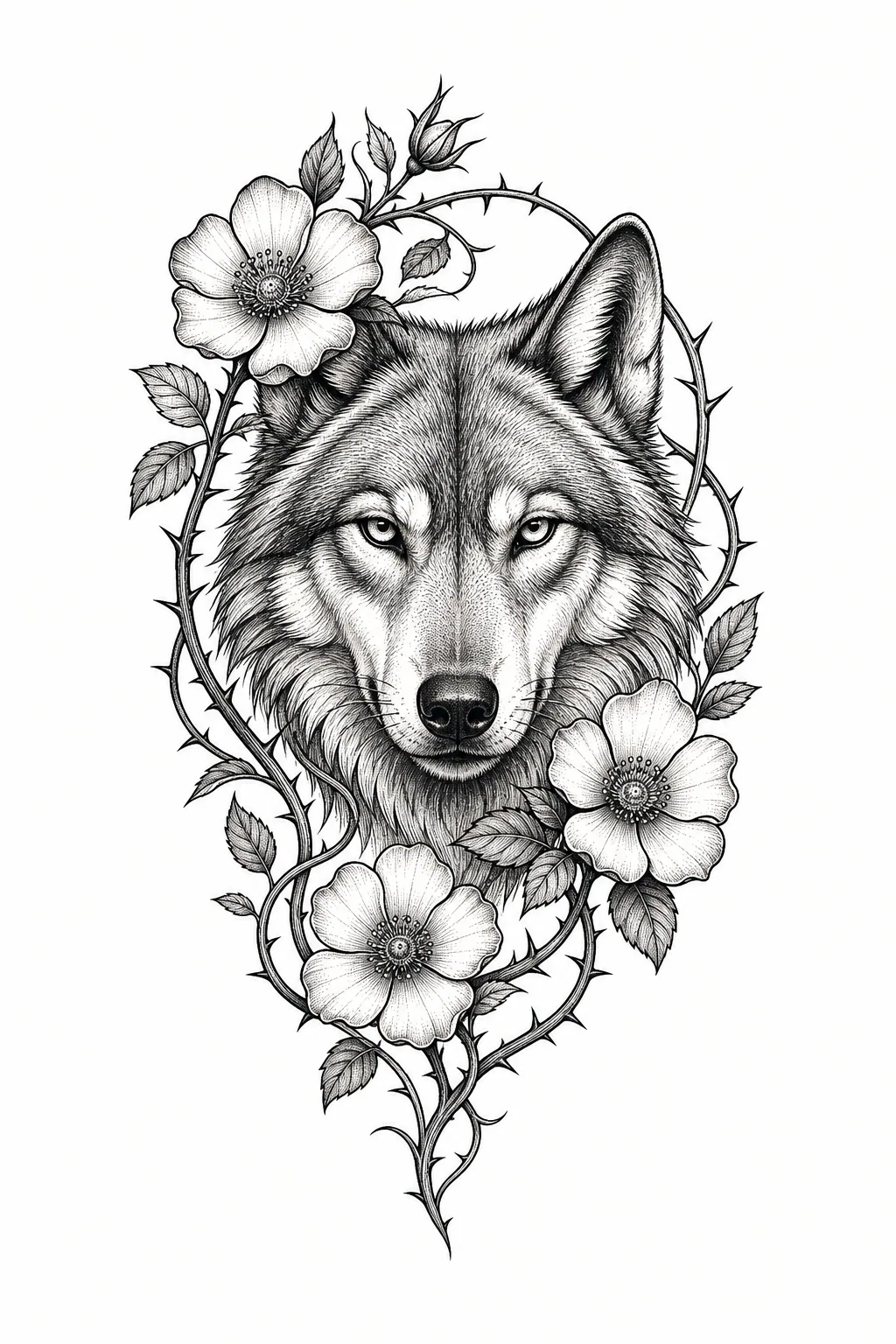
Body part
Not Sure Yet
Complexity
Balanced
Output
Isolated artwork
A server-side tattoo brief is added automatically: isolated white-background artwork, readable linework and negative space, with people, skin, scenes, logos, and watermarks excluded.
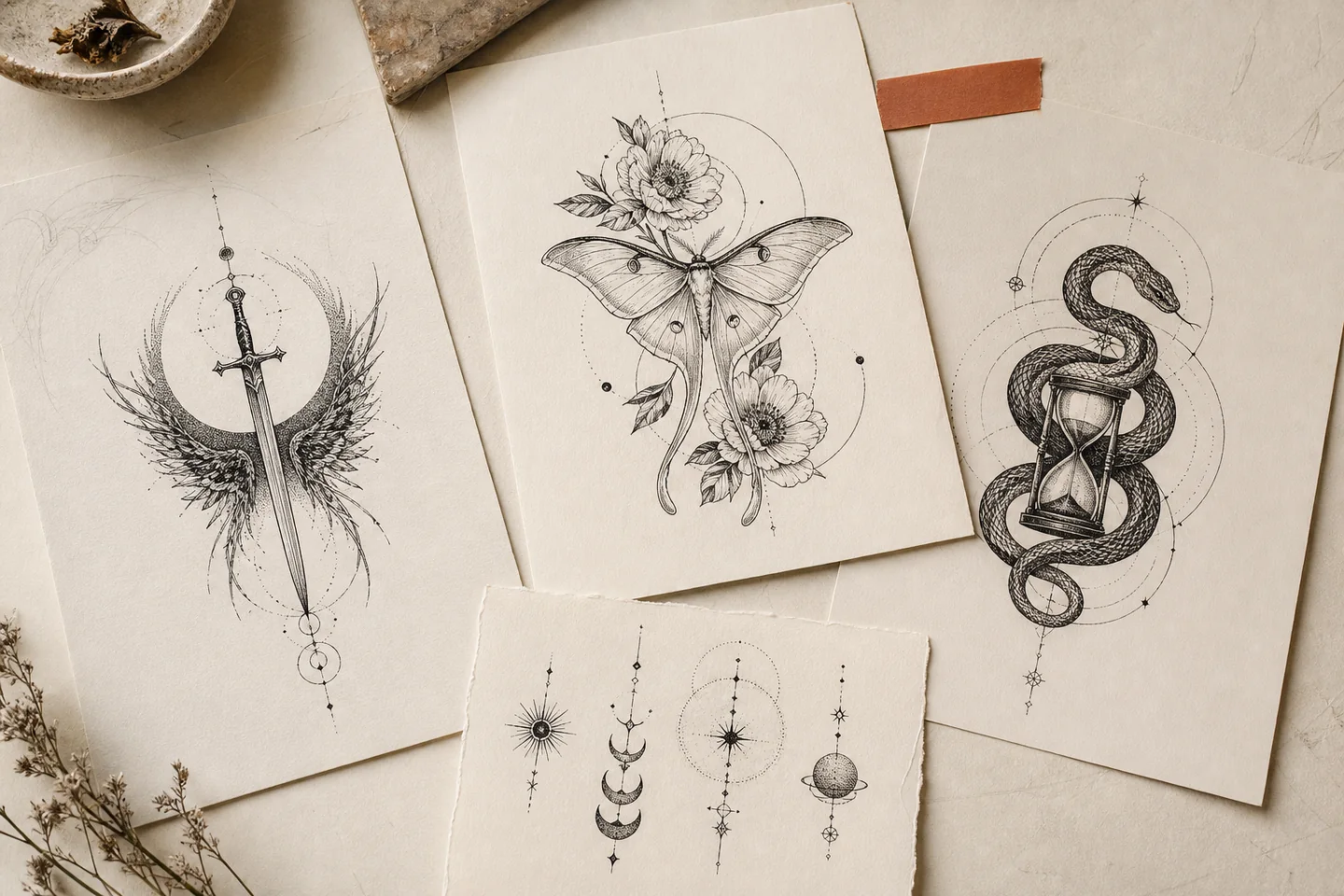
THREE SIMPLE STEPS
The complete flow stays on this page. You bring the idea; we organize style, placement, and tattoo readability into a useful generation brief.
Write the subject, symbolism, and must-have elements in normal language. You do not need to engineer an AI prompt.
Set the visual language, then shape the composition for a forearm, sleeve, chest, back, or another placement.
The result appears in the canvas on this page. Change the brief, create another version, then download it for your artist.
MADE FOR A REAL TATTOO DECISION
Describe the subject and meaning in your own words. We add style, placement, proportion, color, complexity, and tattoo-readability constraints on the server so the model does not drift into a poster, photograph, logo, or generic illustration.
From fine line, blackwork, and realism to Japanese, neo-traditional, watercolor, dotwork, and cybersigilism.
Shape the composition for a forearm, sleeve, chest, back, thigh, and other real placements.
Automatically choose square, portrait, or landscape—or override it yourself.
The user idea remains subject matter and cannot replace the isolated tattoo-artwork output brief.
AI TATTOO PROMPT GUIDE
You do not need a wall of art jargon. Start with the subject, then add symbolism, mood, style, placement, and must-have details. The generator turns those choices into a tattoo-specific prompt with isolated artwork, readable silhouettes, and useful negative space.
“A swallow in flight with a thin crescent moon, black fine lines and open negative space, composed vertically for the inner forearm.”
Combine subject, style, placement, and composition in one clear sentence.
Start with this direction“A calm side portrait of my dog with a rosemary sprig and its birth flower, black-and-gray realism for the upper arm.”
Name the memorial subject, personal elements, and emotional tone.
Start with this direction“A koi swimming upstream through waves, maple leaves, and wind bars, composed as one connected Japanese full-sleeve design.”
For large tattoos, describe how the subjects should flow together.
Start with this direction“A blooming peony extending into symmetrical leaves, ornamental linework, arranged vertically for a sternum placement.”
For centerline placements, specify symmetry and vertical movement.
Start with this direction“A raven with fully spread wings around a solar eclipse, bold black shapes and negative space, designed for a wide upper back.”
For blackwork, prioritize silhouette, solid shapes, and negative space.
Start with this direction“A snake wrapped around blooming peonies in emerald, burgundy, and muted gold, neo-traditional style for the thigh.”
Give color designs a limited, intentional palette.
Start with this directionEXPLORE TATTOO STYLES
Choose a style first, then let the AI reinterpret your subject through line weight, shading, color, and negative space.
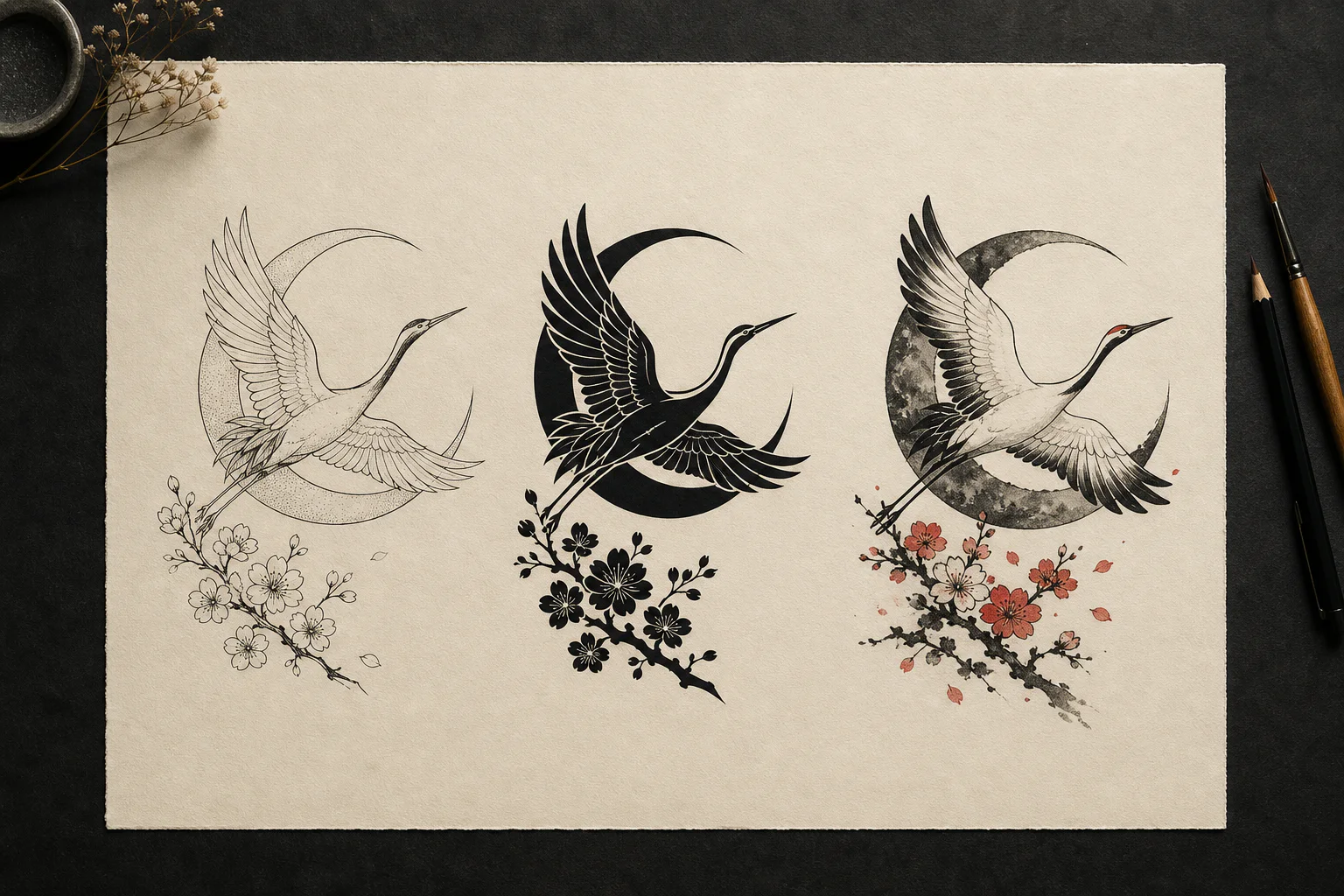
A useful comparison keeps the subject and composition stable while changing line weight, contrast, shading, and color. That makes it easier to decide which visual language fits your idea before generating more variations.
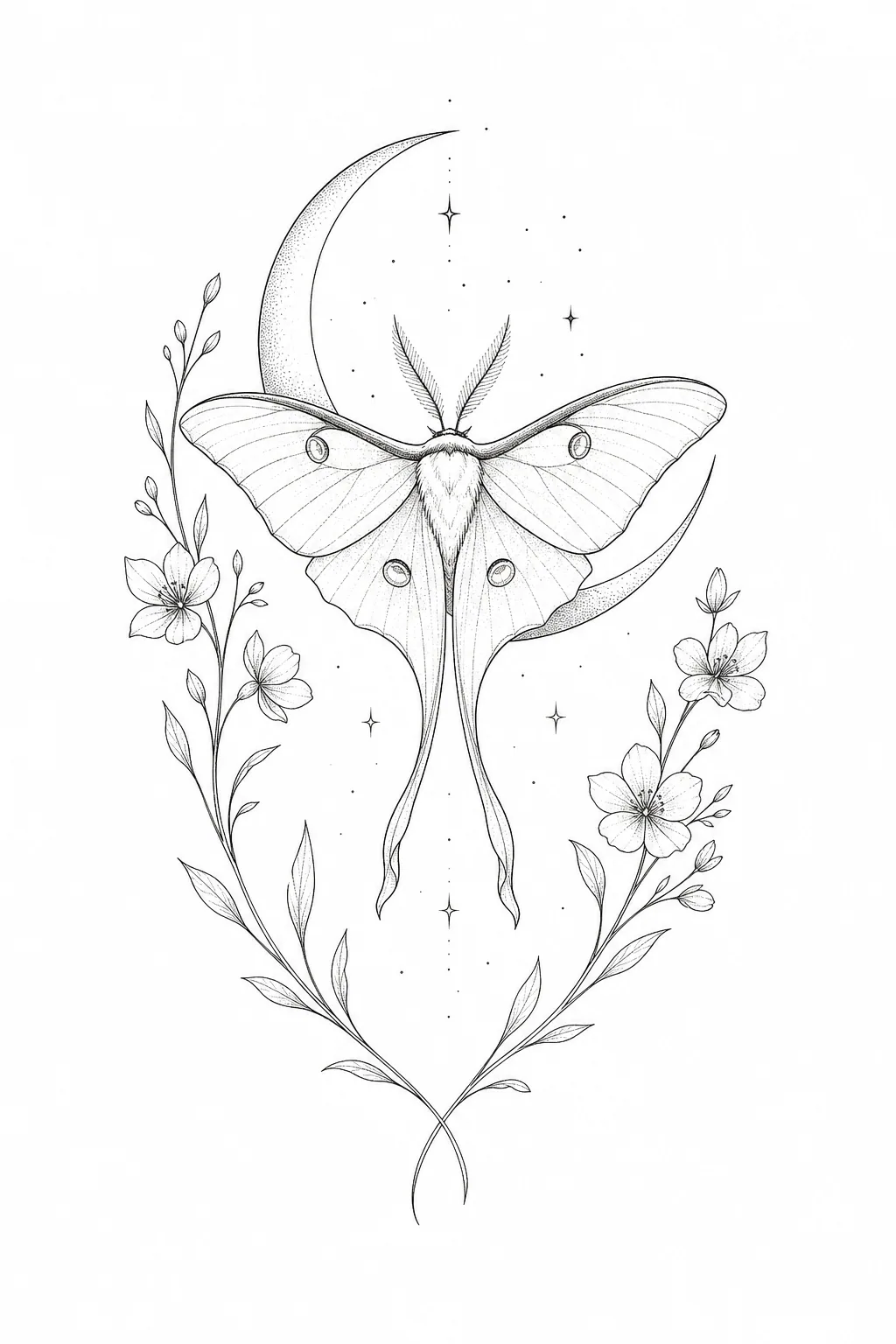
FINE LINE
A natural fit for botanicals, insects, celestial symbols, memorial motifs, and smaller placements.
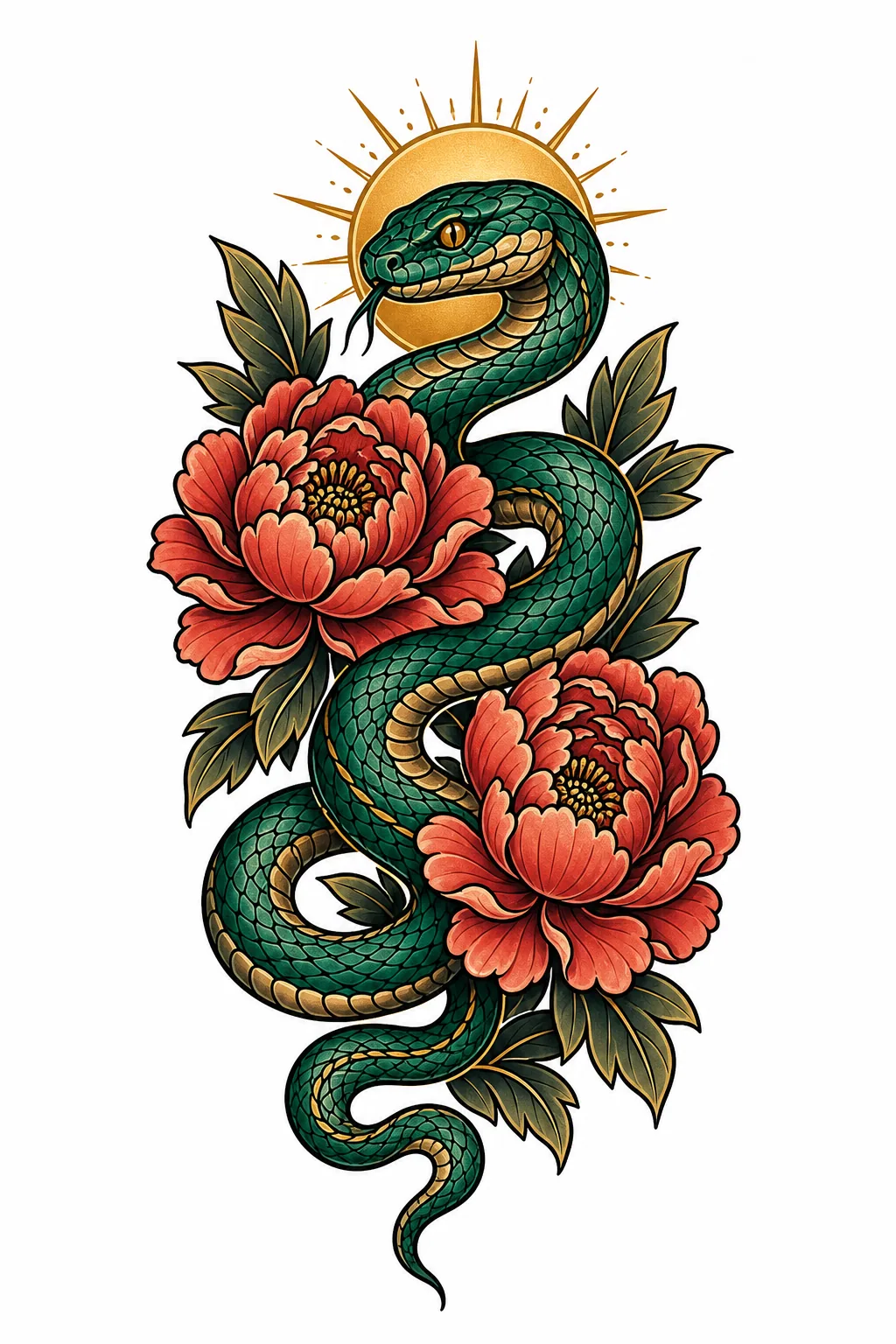
NEO-TRADITIONAL
Well suited to snakes, peonies, animals, portraits, and medium-to-large pieces that need a strong focal point.
FROM ARTWORK TO BODY
The same motif behaves differently on a forearm, shoulder, or back. Generate a placement-aware visual direction first, then let a tattoo artist redraw and adapt it to your anatomy.
Use a readable vertical silhouette that can flow from wrist to elbow or ankle to knee.
Shoulders favor rounded movement; chest designs must consider the collarbone, sternum, and left-to-right balance.
Build connected movement between the focal subject, background, and transitions so the idea can wrap around the arm.
Larger areas allow stronger hierarchy and detail, but the primary silhouette should still read from a distance.
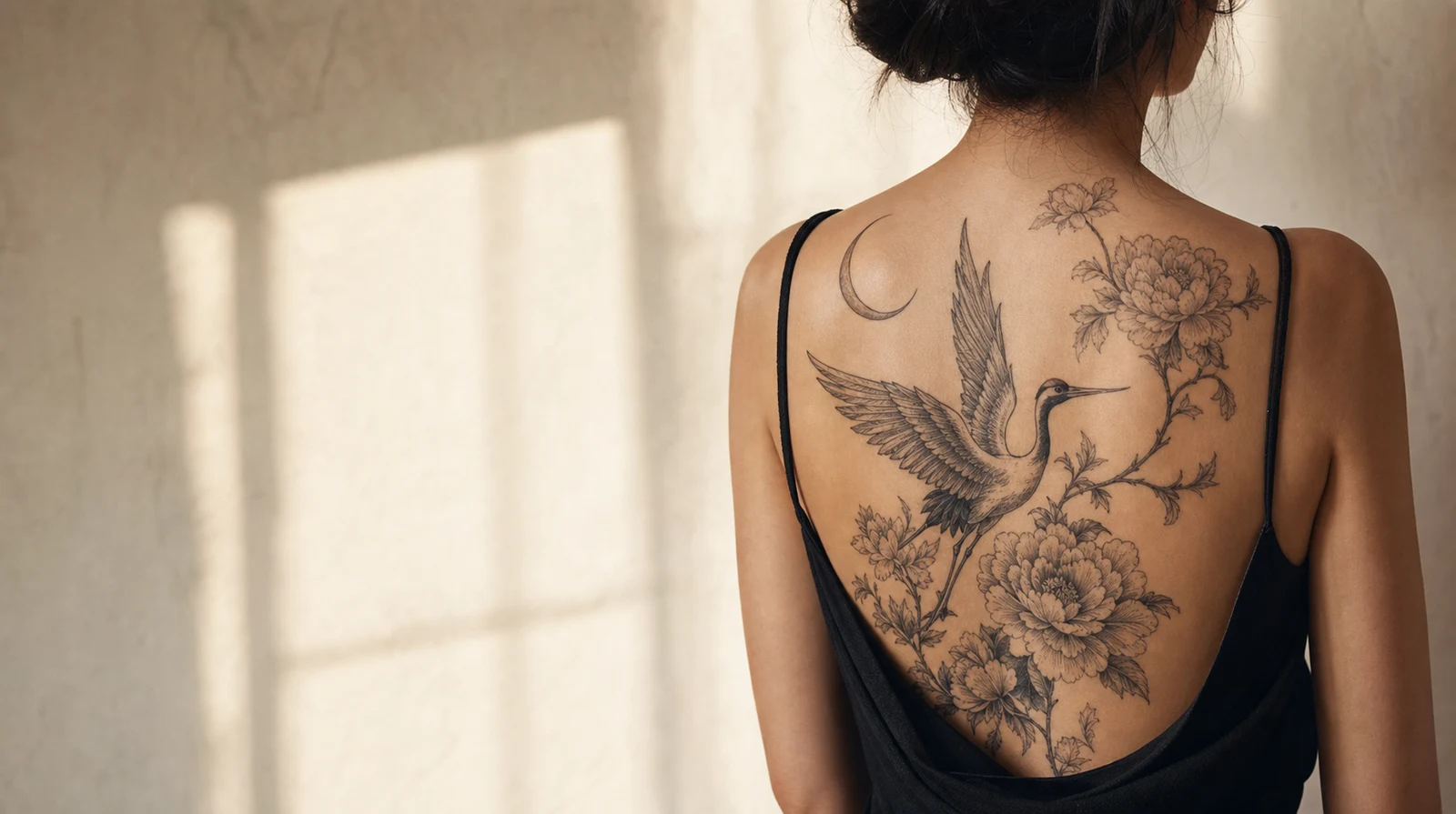
BODY FLOW · RIBS
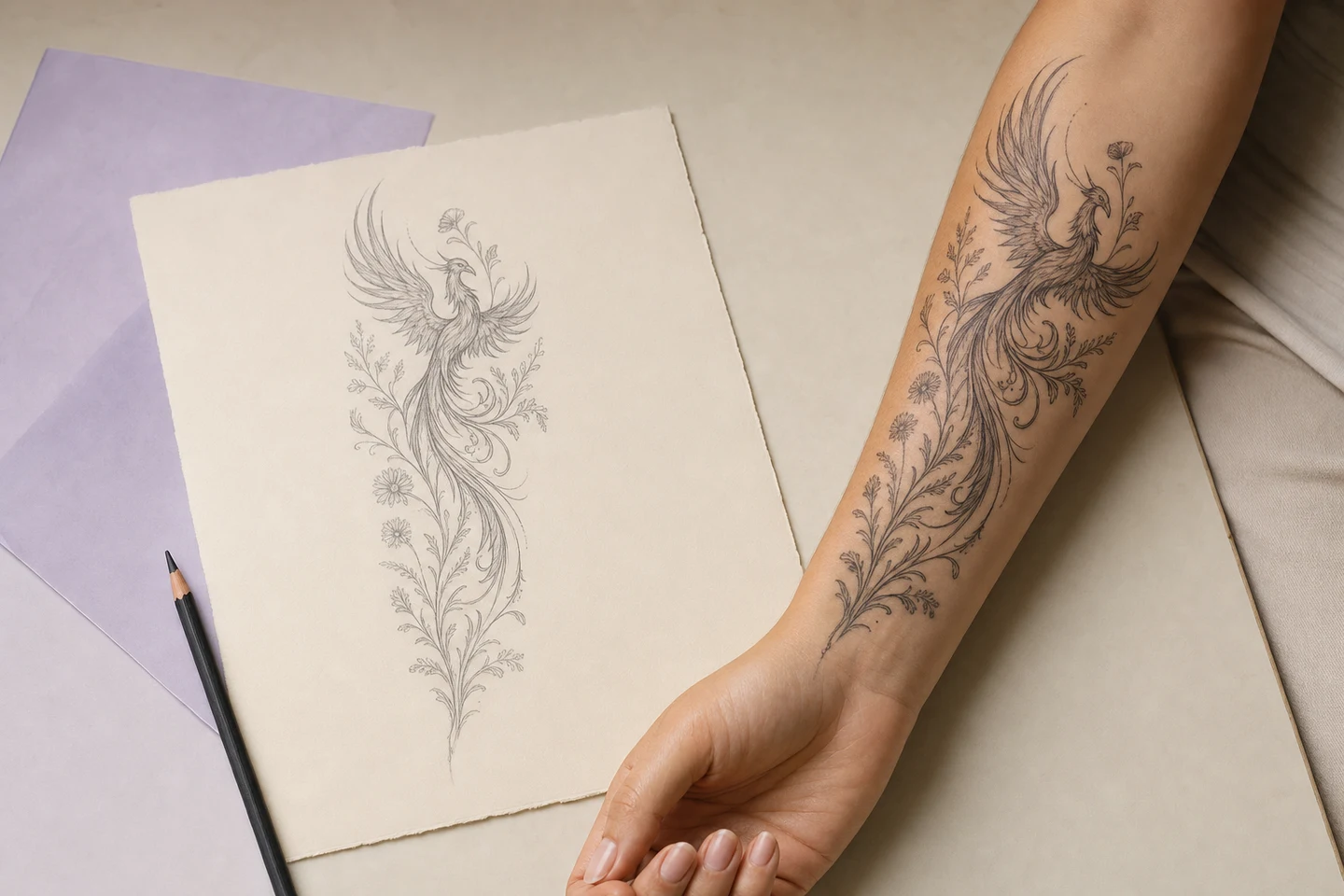
BLACK & GRAY · BACK
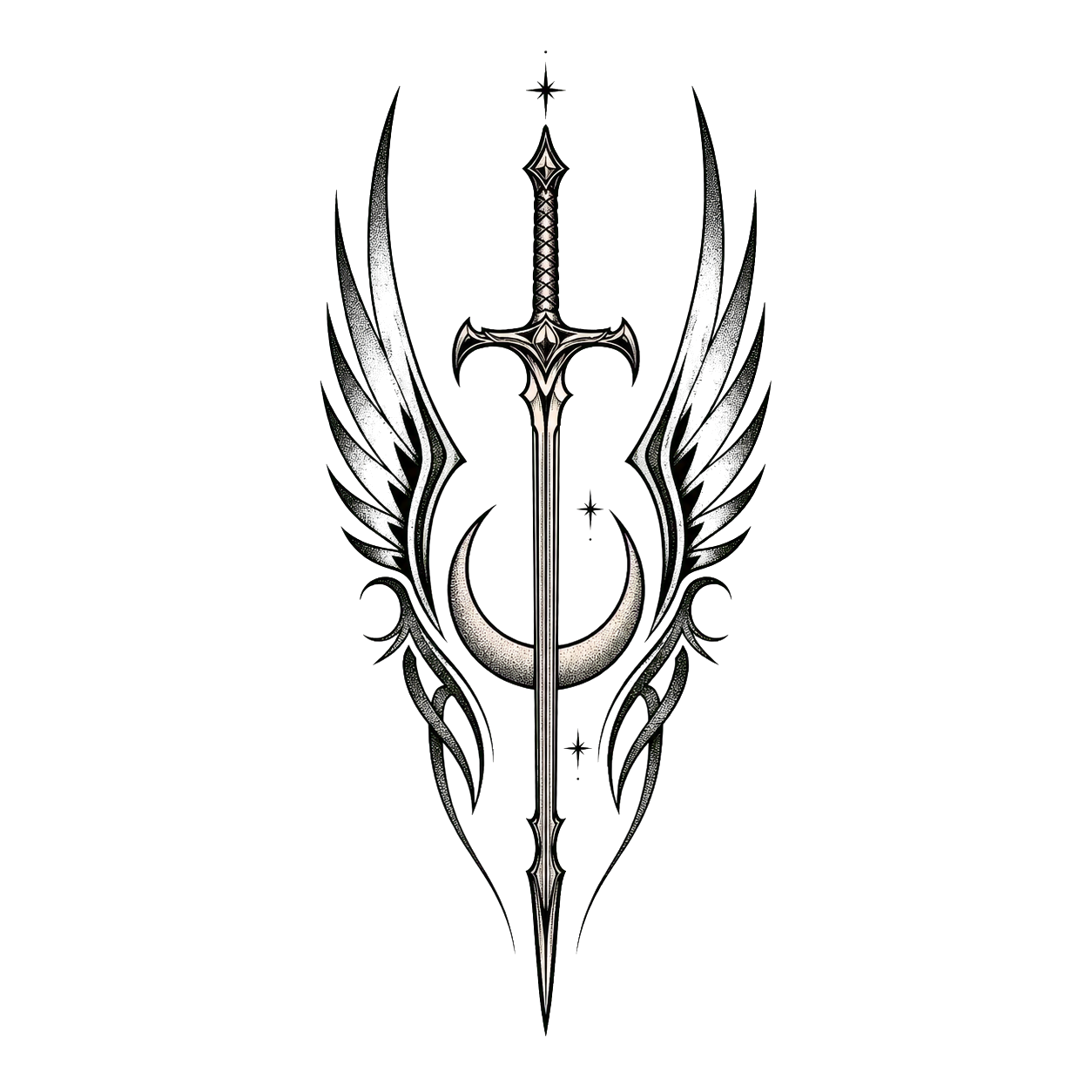
MINIMALIST · CHEST
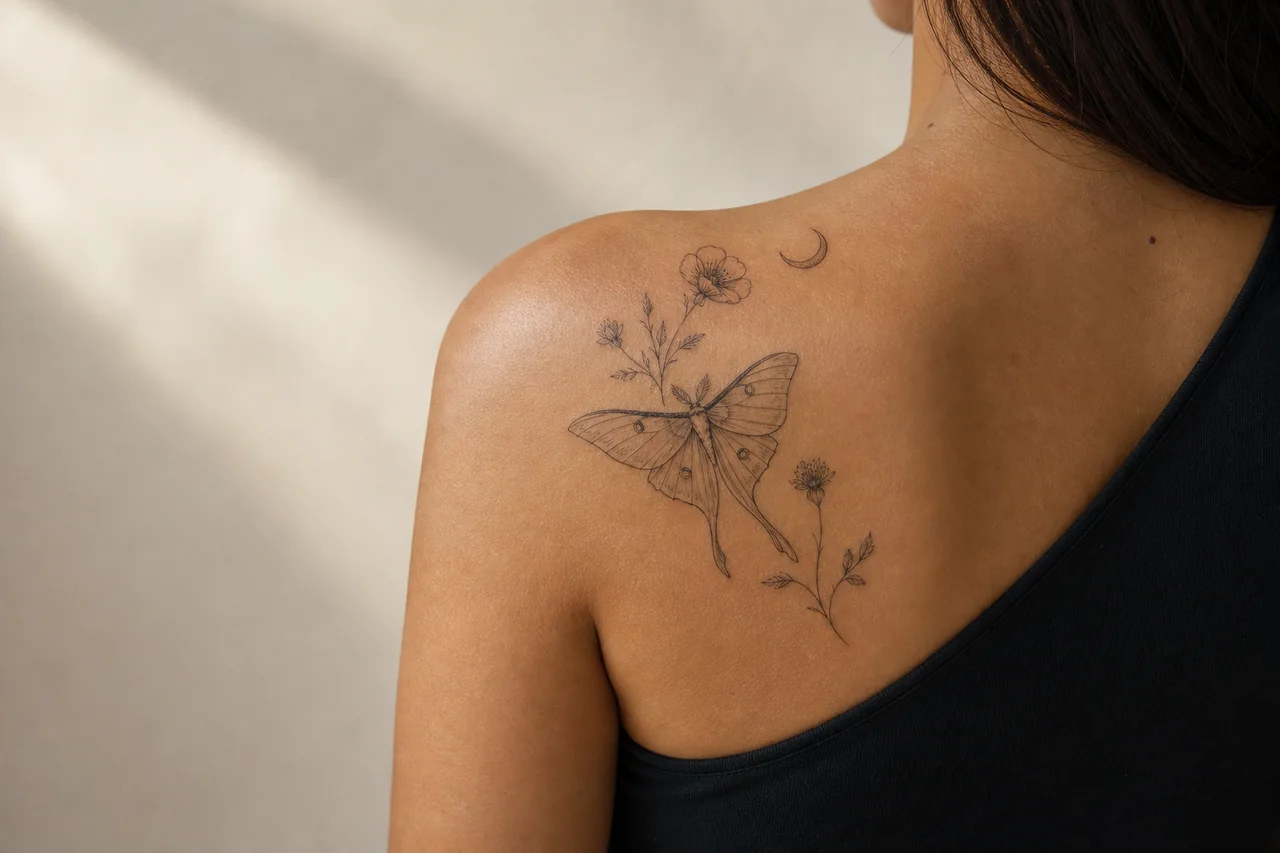
VIRTUAL TRY-ON · PLACEMENT
STYLE & PLACEMENT DIRECTORY
Artist’s Choice, Fine Line, Minimalist, Black & Gray, Blackwork, Realism, Japanese, Neo-Traditional, American Traditional, New School, Watercolor, Dotwork, Geometric, Ornamental, Illustrative, Surrealism, Trash Polka, Tribal, Floral, Cybersigilism.
Not Sure Yet, Forearm, Upper Arm, Full Sleeve, Half Sleeve, Armband, Shoulder, Wrist, Hand, Finger, Chest, Sternum, Upper Back, Full Back, Ribs / Side, Thigh, Calf, Ankle, Neck, Behind the Ear, Hip.
WHO IT HELPS
AI does not replace a tattoo artist. It helps you explain what you want sooner—and rule out directions that do not feel right.
Turn a personal story into something visible and compare subjects, styles, and placements before booking.
Replace a vague explanation with a concrete concept that shows an artist your preferences and boundaries.
Explore composition options quickly, then use your expertise to adapt the design to the anatomy, refine the linework, and develop the final piece.
Start with a familiar subject, then add your story, symbolism, and placement so the result becomes personal.
PLAN A TATTOO RESPONSIBLY
An AI-generated image can shorten the “what do I want?” conversation. It cannot judge skin condition, needle technique, healed detail retention, or how a specific placement will age.
USE AI FOR
RELY ON A TATTOO ARTIST FOR
Compare lettering directions in the tattoo font generator, then bring the lettering and artwork references to your artist.
FREQUENTLY ASKED QUESTIONS
Describe the subject and meaning, then choose a tattoo style, body placement, color direction, complexity, and proportion. The server turns those choices into a tattoo-specific creative brief before generating one isolated design.
No. A clear idea in everyday language is enough. Details such as symbolism, mood, must-have elements, and the intended body part help the generator produce a more useful concept.
You can explore fine line, minimalist, black and gray, blackwork, realism, Japanese, neo-traditional, American traditional, watercolor, dotwork, geometric, ornamental, and other tattoo styles.
Treat the result as a concept, not a final stencil. A professional tattoo artist should adapt the line weight, contrast, dimensions, and fine detail to your skin and placement.
Generated results are private by default and saved to your account workspace. You decide when to download or share them with an artist.