Describe what matters
Start with a subject, memory, symbol, or story. Pick a style and placement only if you already know them.
Turn a memory, symbol, or story into a custom tattoo concept. Start with 2 free AI designs after sign-in, then use focused tools for lettering, photos, stencils, cover-ups, and placement.
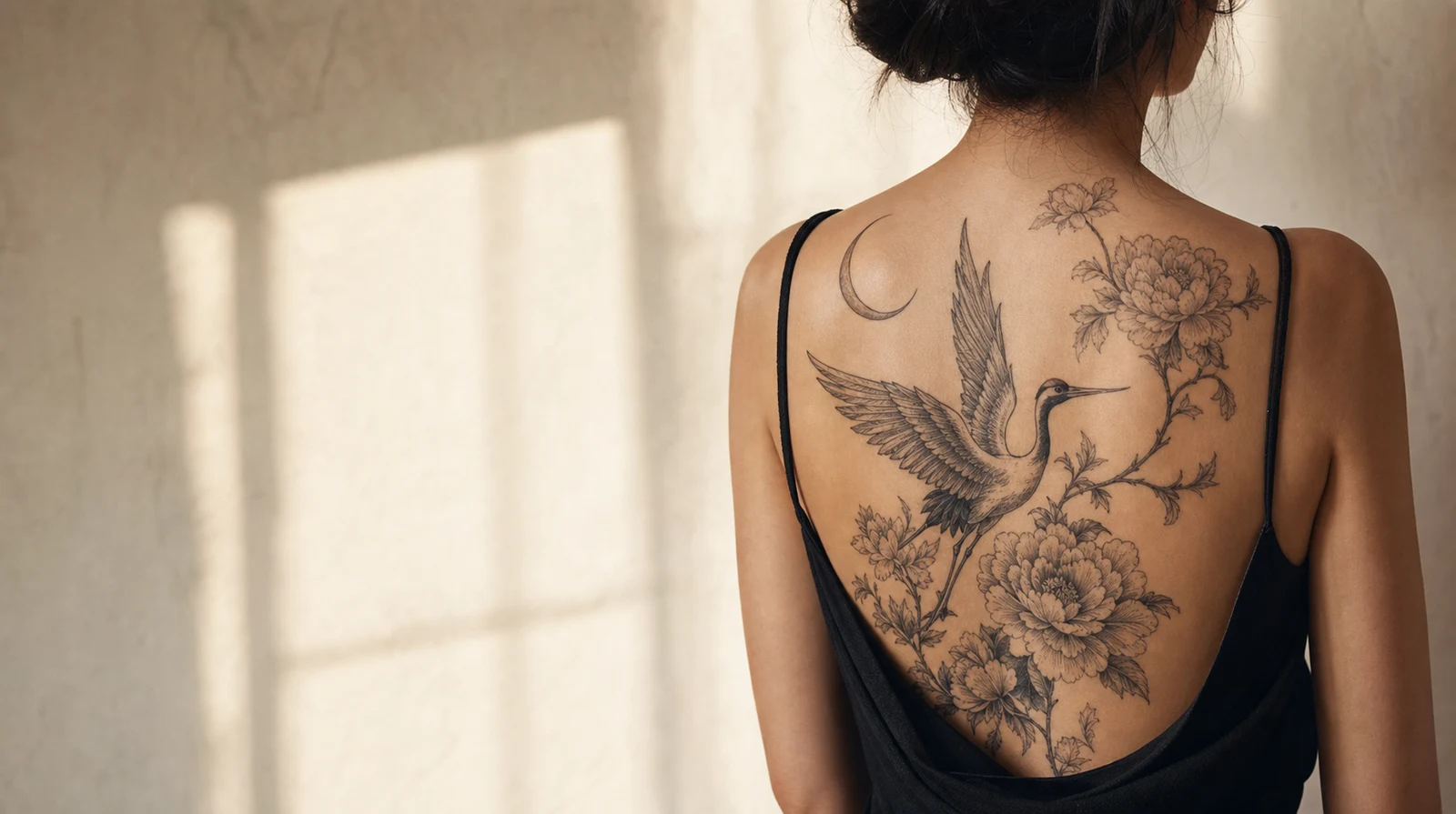
AI-generated concept visualization
FROM MEANING TO TATTOO CONCEPT
Find a composition that feels personal, then refine it with your artist.
CHOOSE YOUR STARTING POINT
Begin with an idea, a meaningful phrase, or the placement on your body. Each tool has its own focused workspace.
Describe your idea, choose a style and body part, and get 2 custom AI tattoo designs free after sign-in.
Create with AIType a name, date, or short phrase, compare 18 tattoo font styles, adjust the lettering, and download a free PNG reference.
Generate tattoo fonts freeUpload a photo or drawing, choose a tattoo style and body part, then compare the original with a custom tattoo conversion.
Convert an imageTurn a tattoo photo, sketch, or finished design into a faithful black-and-white stencil reference with adjustable detail and line weight.
Create a stencilUpload an old tattoo photo, get four free AI cover-up directions, then generate one private preview for 4 credits.
Plan a cover-upUse this free virtual tattoo try-on with male and female body templates, depth-aware contouring, your own artwork, and an instant placement download.
Try on a tattoo freeAI TATTOO GENERATOR
Describe the memory, symbol, or feeling behind your tattoo idea. TattooIdeas turns it into an original visual direction. Generate another concept when you want to compare, then download the references that best explain your preference to an artist.
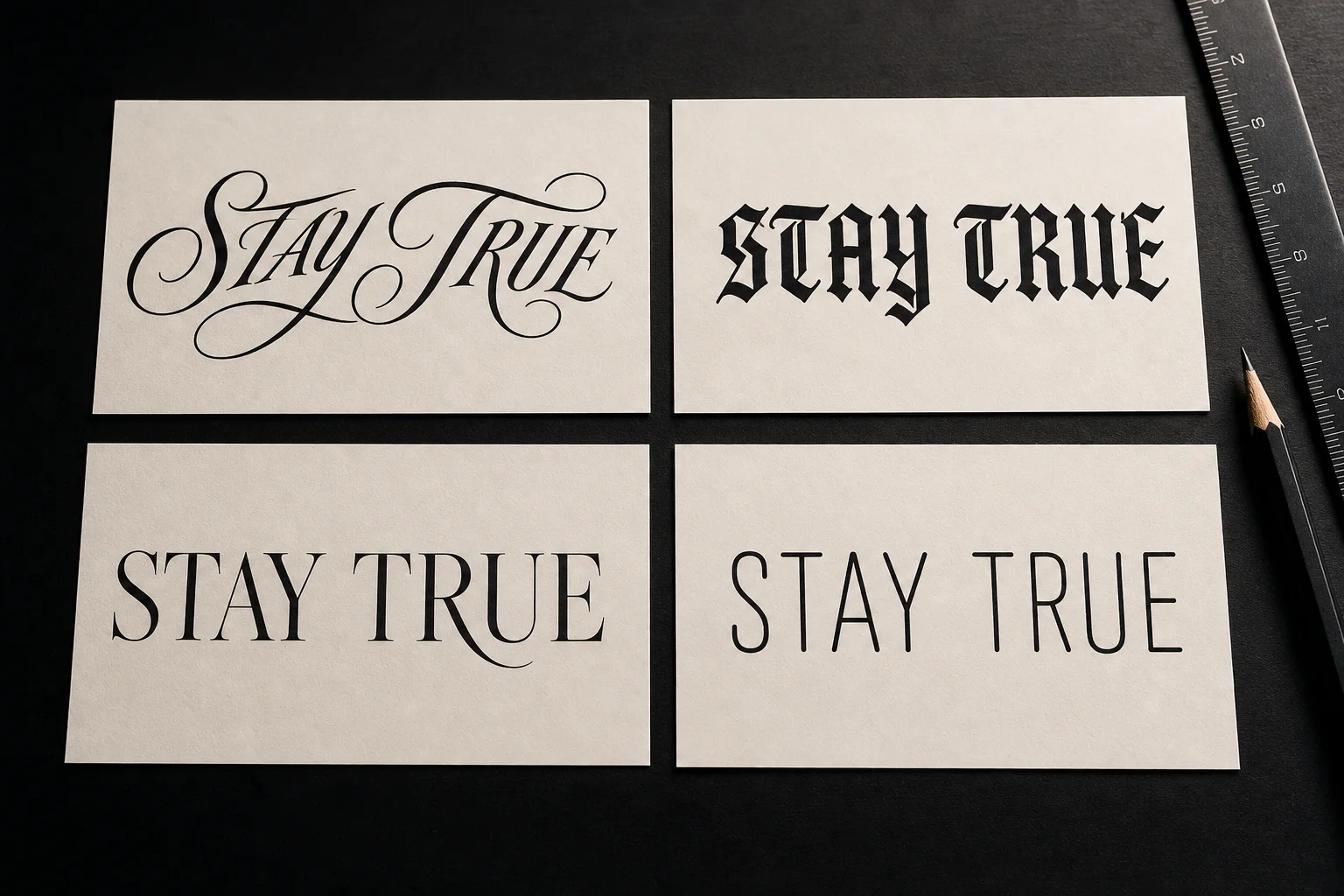
WORDS MADE FOR INK
Design tattoo lettering for free, with no login required. Preview a name, date, or short quote in 18 styles, adjust the spacing and ink finish, then download a PNG for free to discuss with your tattoo artist.
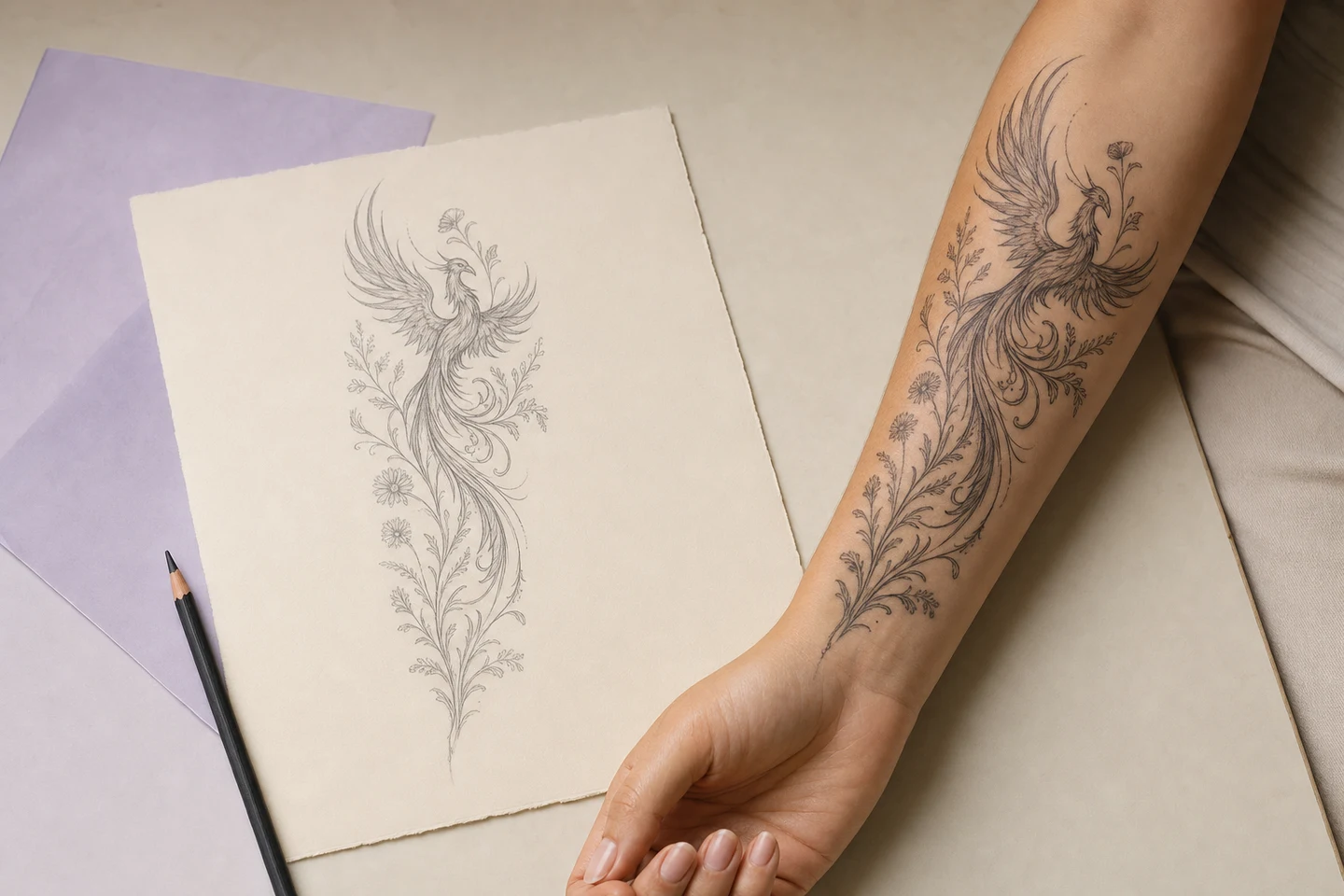
TRY THE PLACEMENT BEFORE THE COMMITMENT
Try on your tattoo design for free, with no login required. Move, resize, rotate, and blend your artwork across male and female body templates, then download a free PNG preview to compare placements with your tattoo artist.
TURN A REFERENCE INTO TATTOO ART
Start with a photo, sketch, or meaningful symbol and use the image to tattoo converter to explore a new design direction. Choose a tattoo style, intended placement, color, and detail, then compare the generated concept with your original reference.
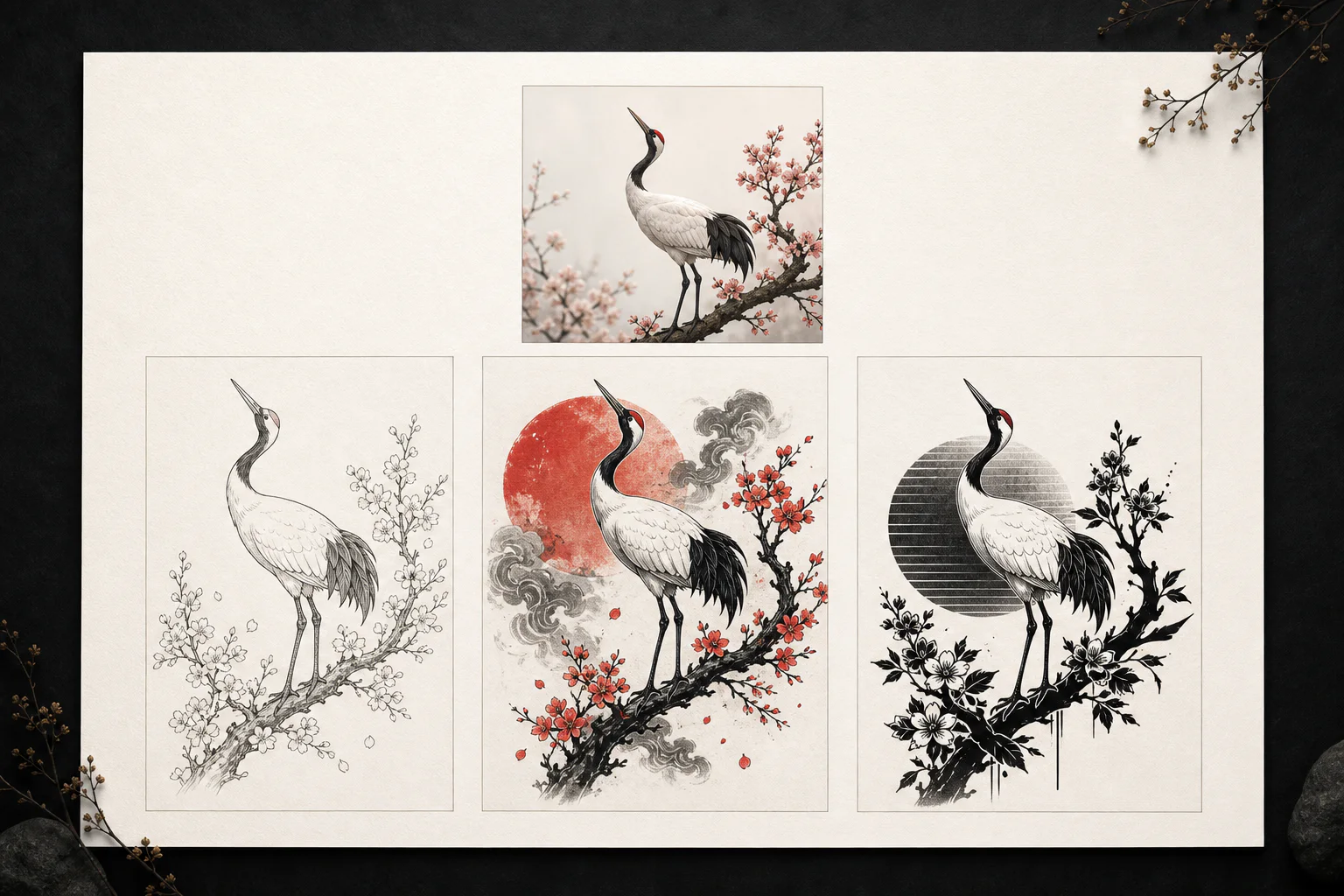
TURN EXISTING ART INTO CLEAN LINEWORK
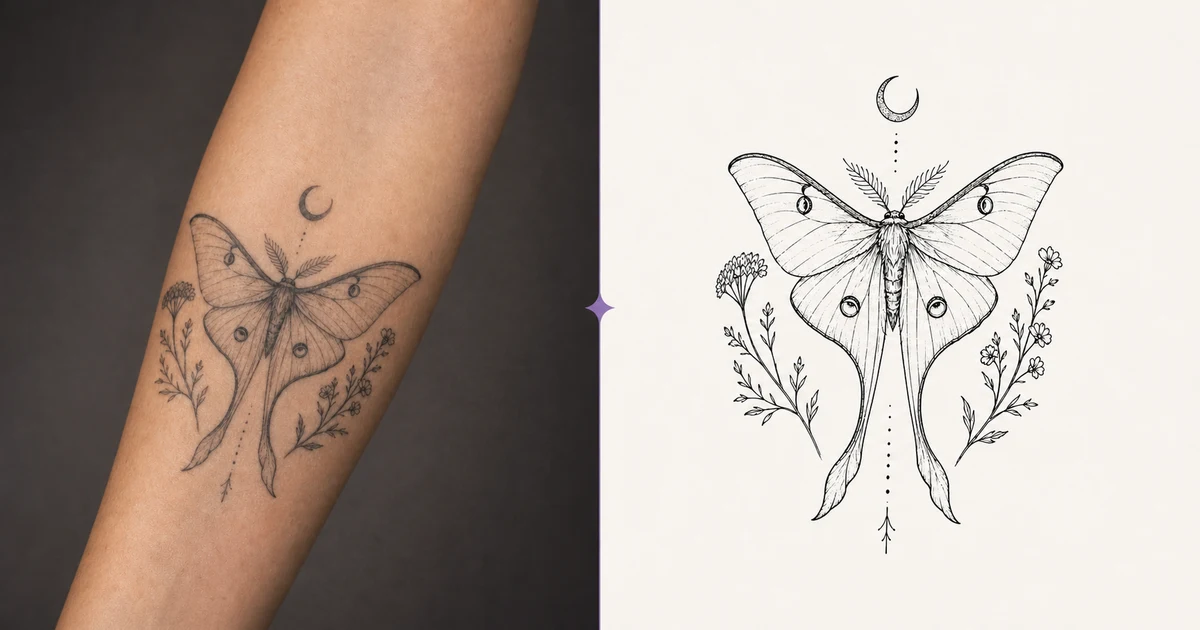
Convert an existing tattoo photo, sketch, or finished design into a black-and-white stencil reference. The tattoo to stencil tool focuses on outlines and guide marks, with controls for detail and line weight, so you can review the structure before taking it to an artist.
REDESIGN THE OLD INK WITH CONTEXT
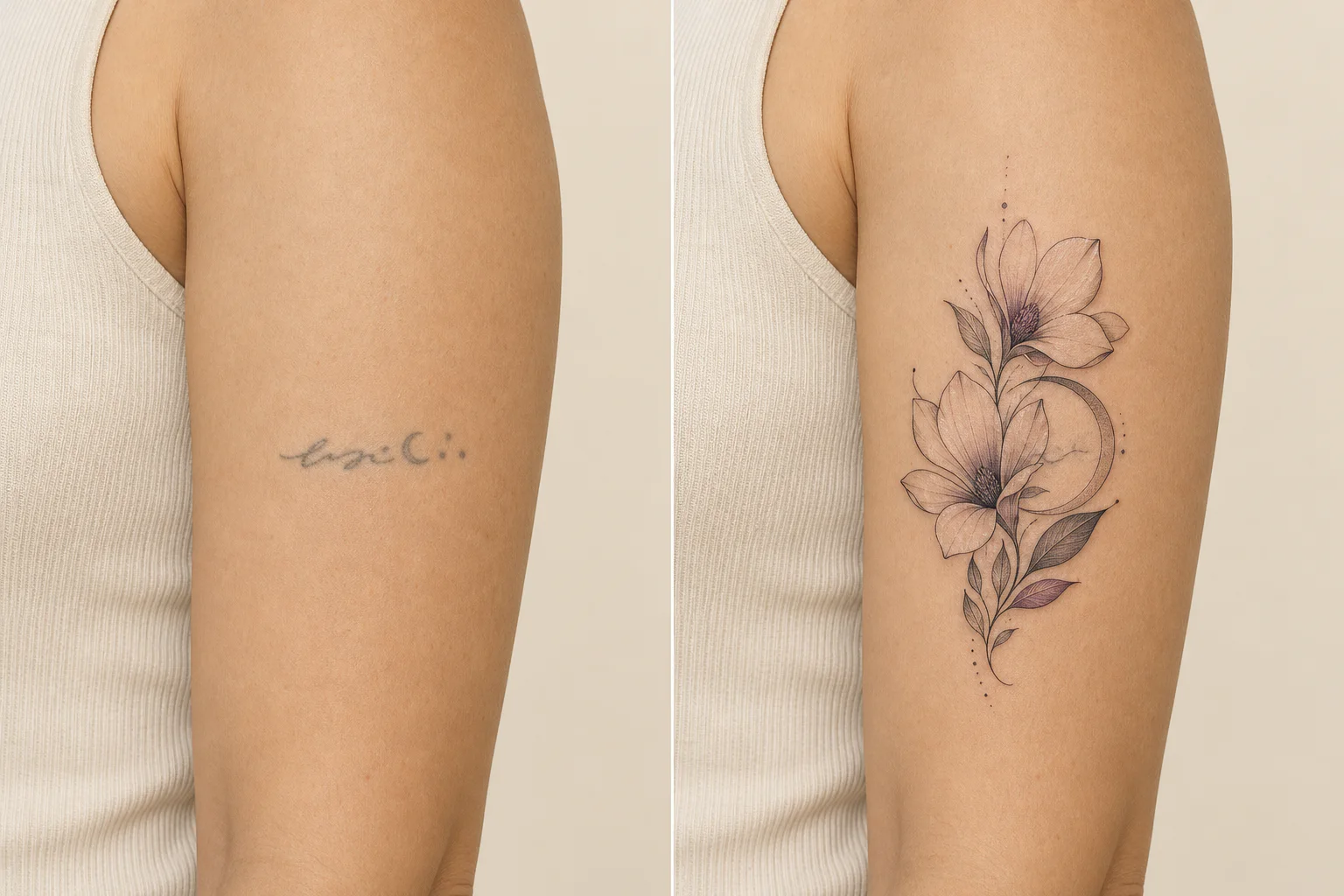
Upload a photo of an old tattoo and mark the area you want to redesign. The AI tattoo cover up generator suggests four directions, then creates an on-photo concept from your chosen approach to help you discuss possibilities with a tattoo artist.
HOW IT WORKS
Move from meaning to a visual direction, then use focused tools to compare lettering, reference images, and placement before talking with your tattoo artist.
Start with a subject, memory, symbol, or story. Pick a style and placement only if you already know them.
Generate a concept, compare separate directions, or convert an existing reference image into a tattoo-inspired design.
Use built-in body templates to compare placement, then download a design reference and discuss final execution with your tattoo artist.
EXPLORE TATTOO IDEAS
Browse by style, theme, and placement. Every curated idea can become the starting point for your own design.
These visuals are AI-generated concept artwork for comparing style directions. They are not client results or finished, tattoo-ready artwork.
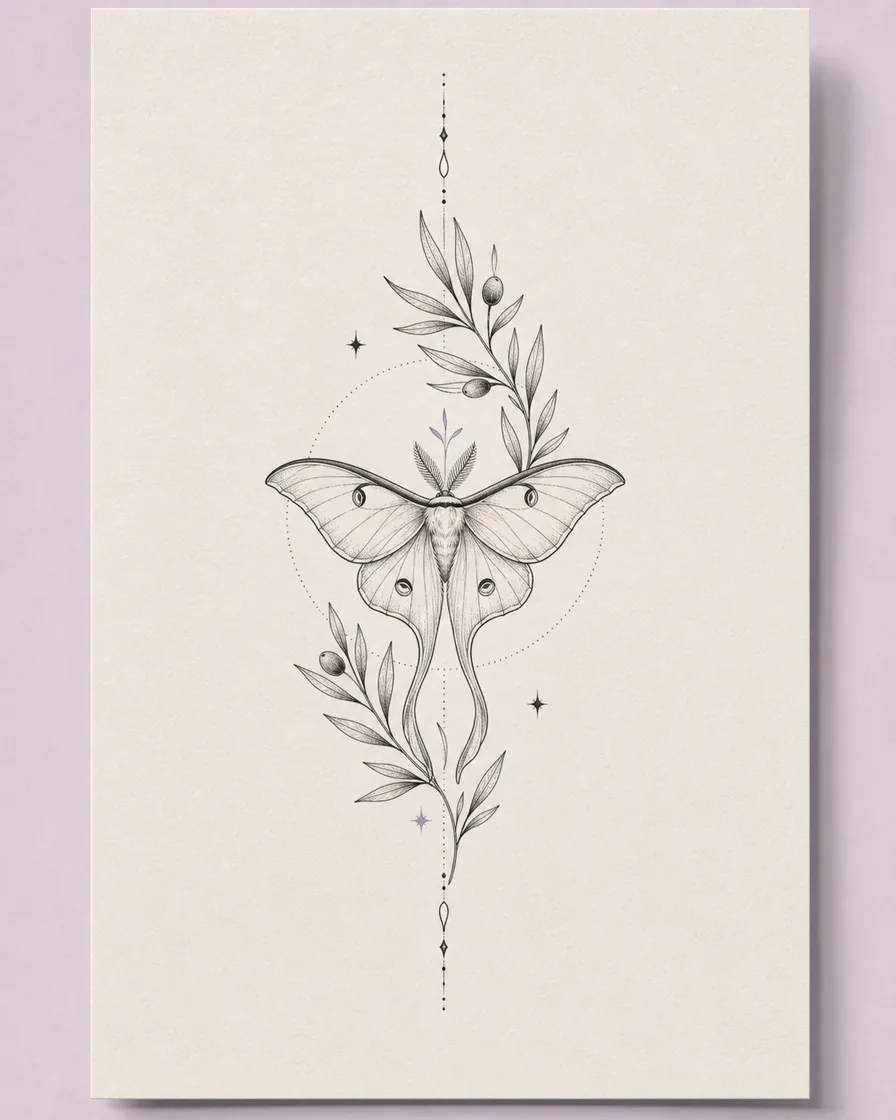 Subtle & detailed
Delicate lines, quiet detail, and elegant spacing.
View the style guide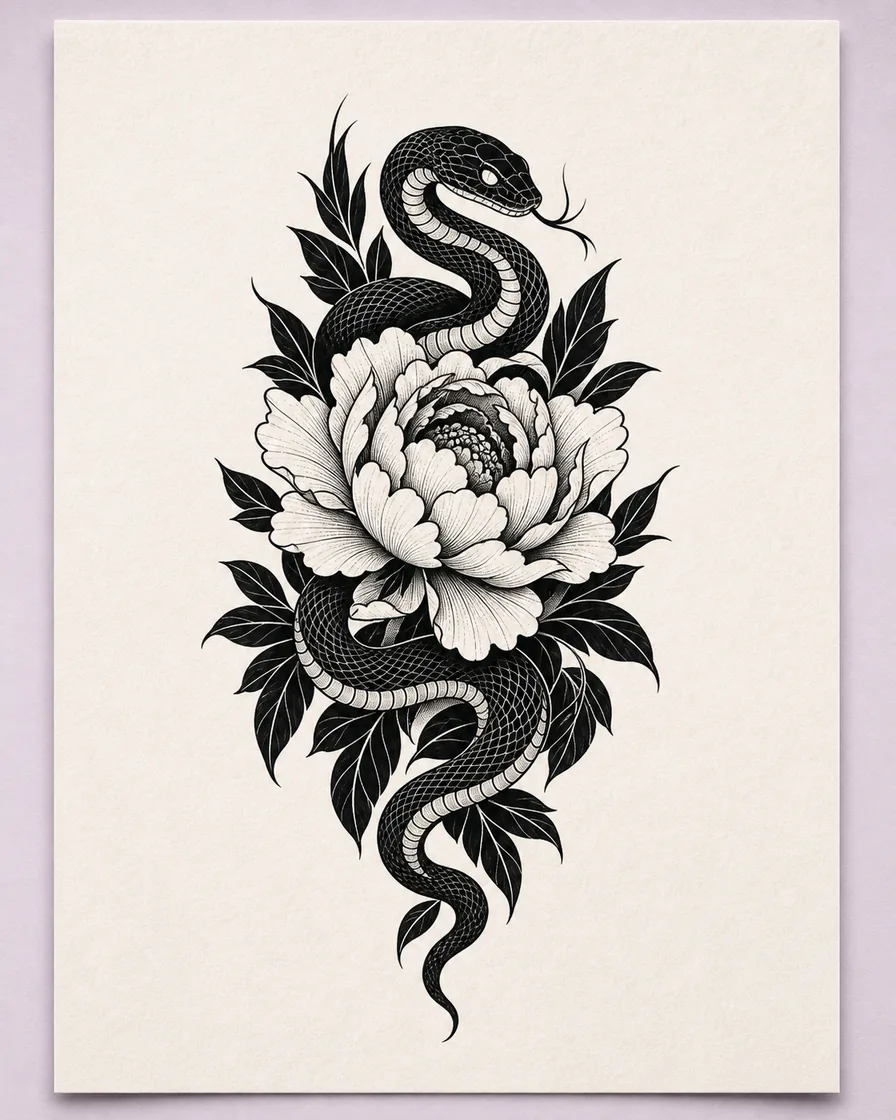 Bold & graphic
Bold contrast, graphic shapes, and lasting impact.
View the style guide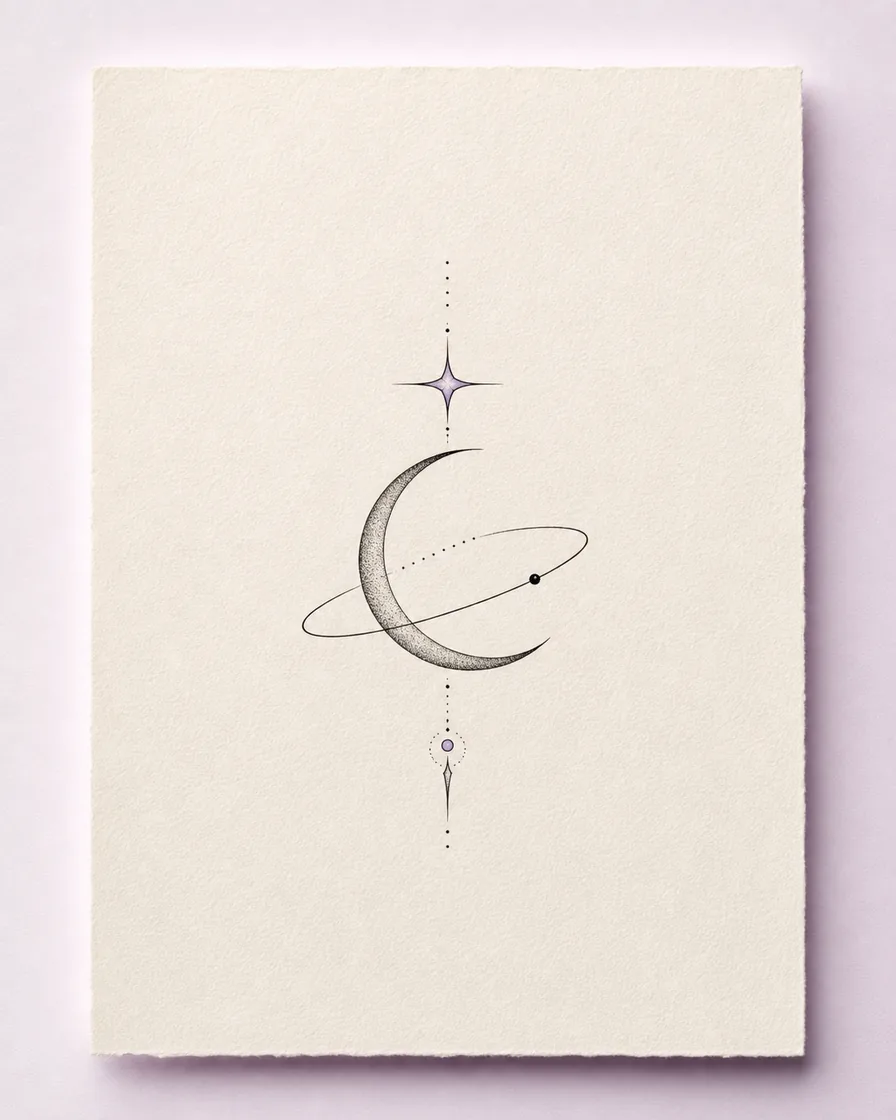 Small & symbolic
Clean celestial marks reduced to their most meaningful elements.
View the style guide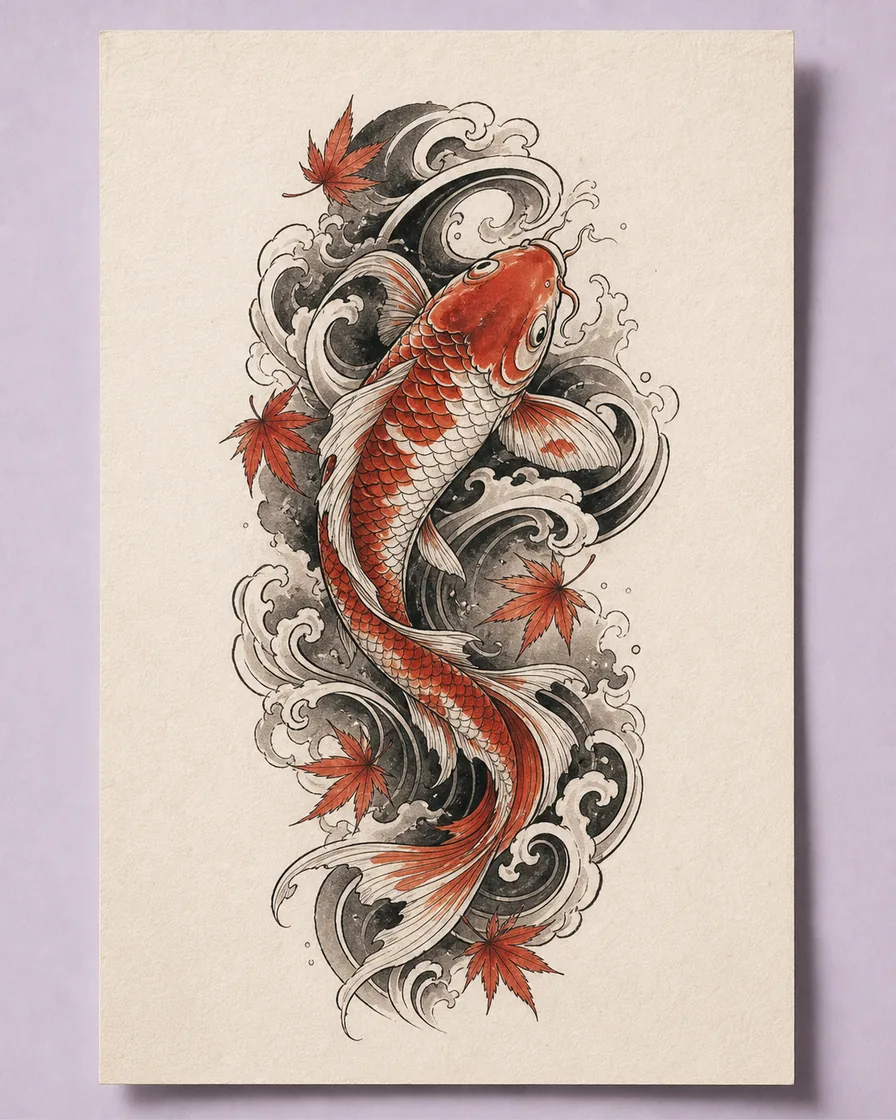 Expressive & layered
Dynamic movement, symbolism, and flowing composition.
View the style guide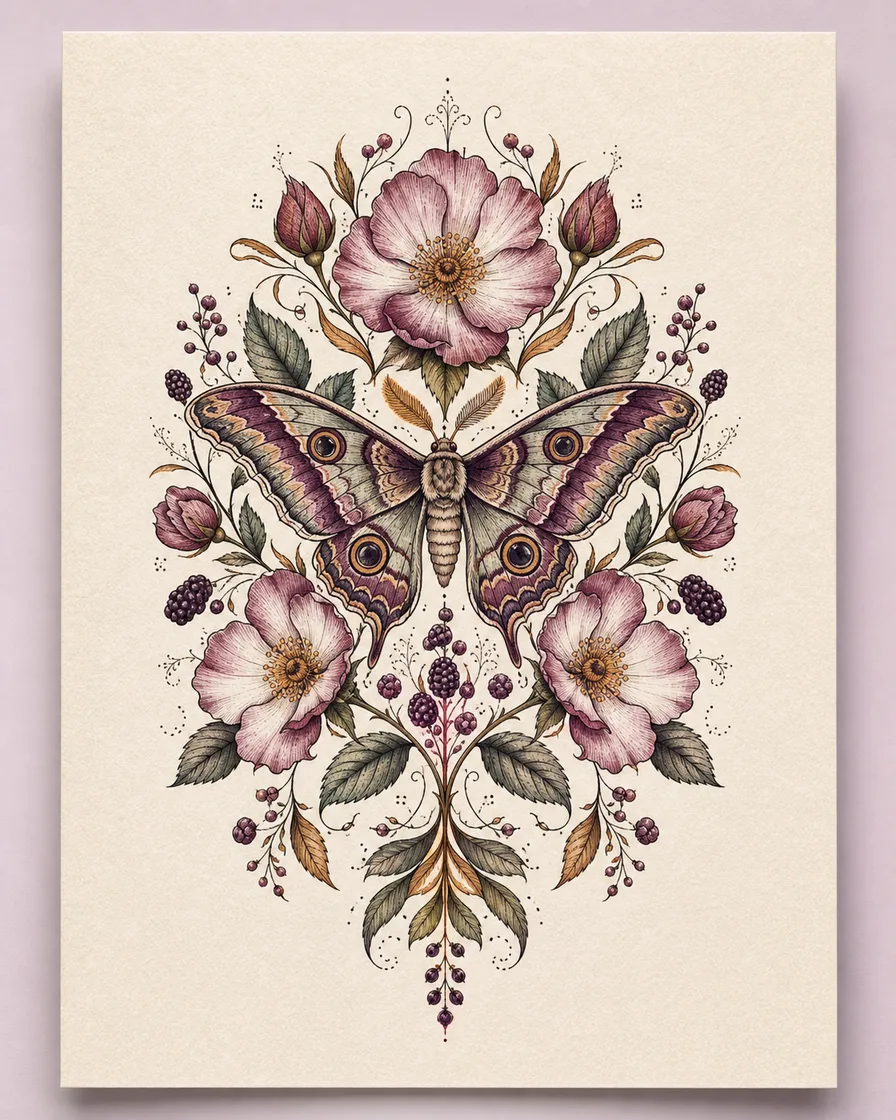 Organic & personal
Botanical forms shaped around a personal story.
View the style guide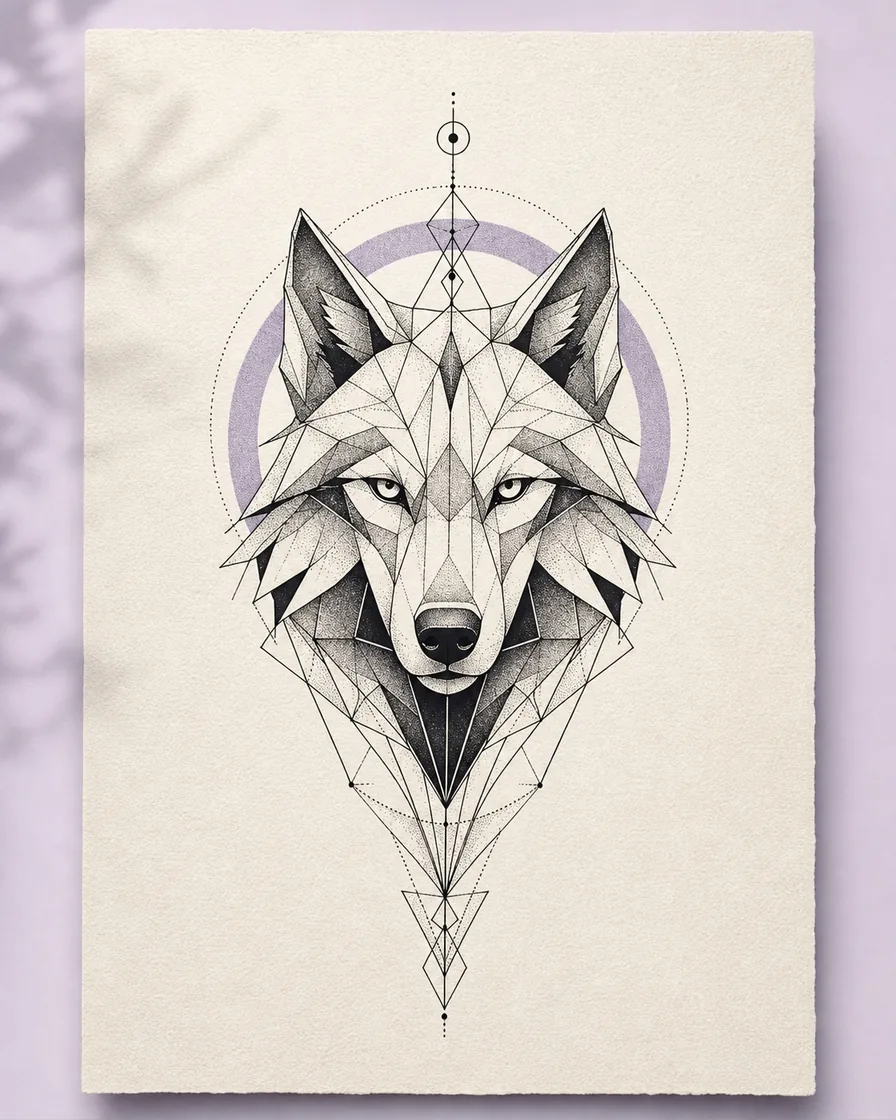 Structured & graphic
Recognizable subjects organized with precise lines and repeated shapes.
View the style guideDESIGNED FOR THE REAL DECISION
TattooIdeas is built around the decisions surrounding the first concept: Does the composition fit the placement? Is there too much detail for the intended size? Which reference best communicates the direction you want?
AI output is a concept and communication reference—not a replacement for a professional tattoo artist. Your artist should adapt the final linework, size, and placement to your body and their technique.
Pricing
Choose a one-time credit pack. No subscription, no recurring charge, and purchased credits never expire.
FREQUENTLY ASKED QUESTIONS
An AI tattoo generator turns a written prompt into a visual tattoo concept. TattooIdeas lets you specify style, placement, color, and detail, while separate tools handle lettering, image conversion, and virtual placement previews.
Use it as a concept and communication reference. A professional tattoo artist should redraw or adapt the final design for your skin, placement, size, and the way the tattoo will age.
Upload your tattoo artwork, choose one of the built-in body templates, then adjust size, position, rotation, and opacity. The preview helps compare placement directions; it is not a prediction of a healed tattoo on your own skin.
Yes. Upload a supported reference image, choose a tattoo style and intended placement, and generate a tattoo-inspired concept. Use the result as a visual direction for discussion rather than a finished stencil.
Bring the original meaning or source image, a small set of preferred concept references, your intended placement, and an approximate size. Your tattoo artist should redraw or adapt the final artwork for your body and technique.
START WITH A FEW WORDS
Bring the meaning, memory, or symbol. TattooIdeas will help you explore the visual direction.
Create your tattoo idea